 Neon AI
 AI SVG Generator
Create with GPT Image 2.6 Flare in Neon AI. Describe your subject, choose the native format, review the credit quote, and save the result.
Image workspace
Sample Image
 24 / 30
AI-generated otter mascot concept with a leafy sprig.
Introduction
Start with a clear idea
Name one subject, its colors and the purpose of your image. Use simple shapes for SVG and a small repeating movement for GIF.
How to use
How to create
- STEP 1
Start with a clear idea
Name one subject, its colors and the purpose of your image. Use simple shapes for SVG and a small repeating movement for GIF.
- STEP 2
Choose the output
SVG produces one vector file through GPT Image 2.6 and its SVG conversion stage. Inspect paths, text and colors in your editor before using it.
- STEP 3
Review and save
Sign in with Google or an email magic link. Registration gives no free credits. Review the quote before creating; inspect the result, then save or download it from your account.
Features
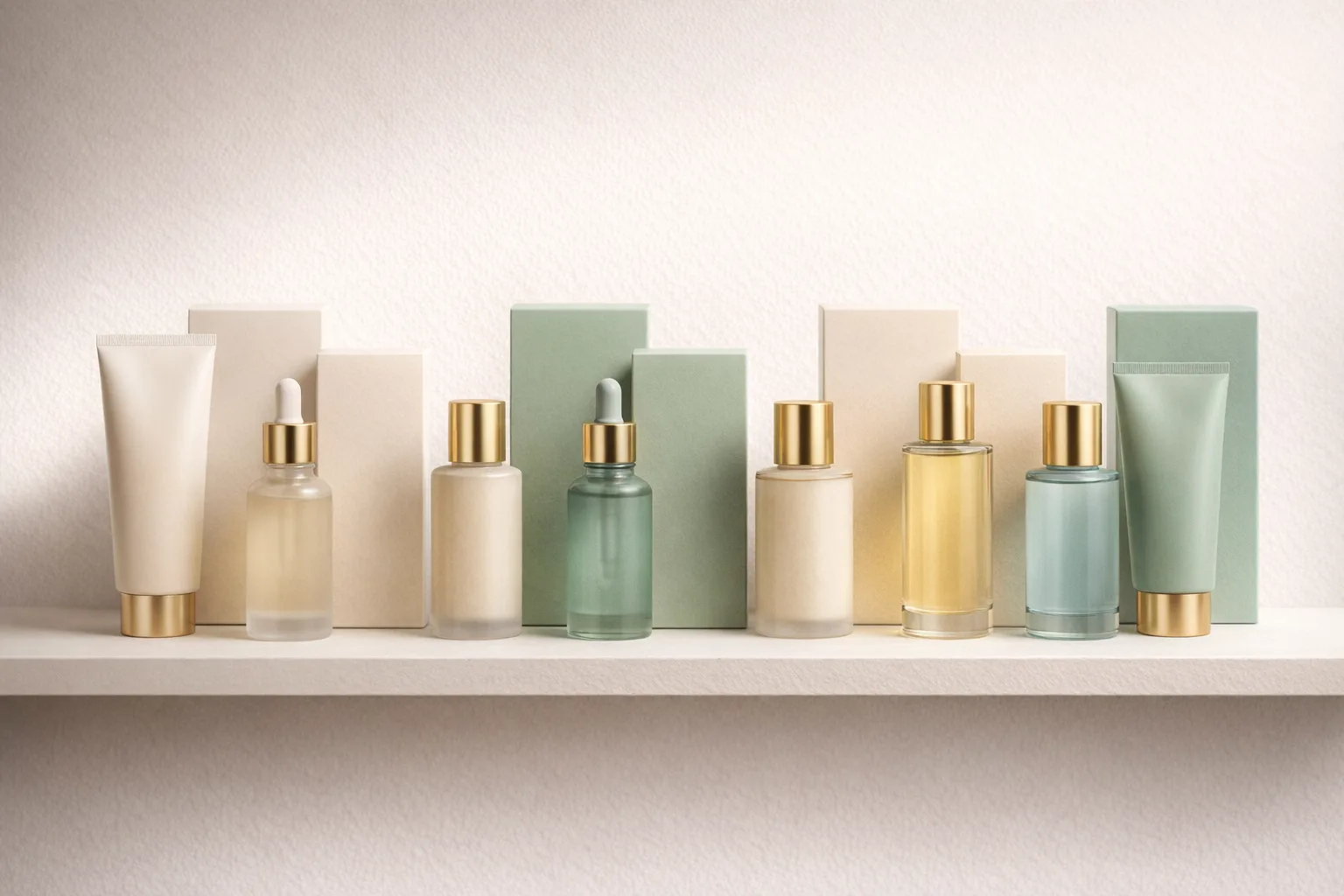
Choose the output
SVG produces one vector file through GPT Image 2.6 and its SVG conversion stage. Inspect paths, text and colors in your editor before using it.
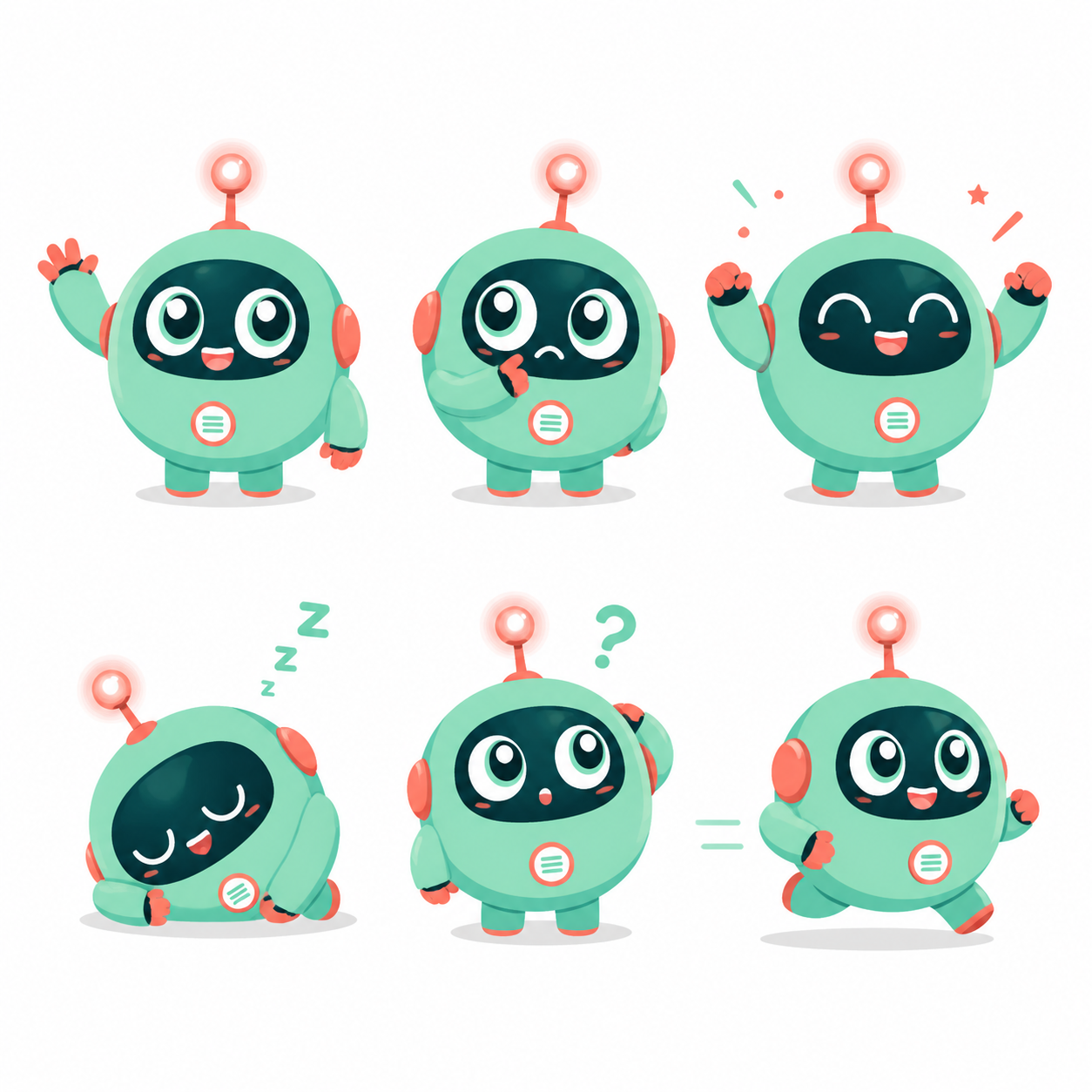
Review and save
Sign in with Google or an email magic link. Registration gives no free credits. Review the quote before creating; inspect the result, then save or download it from your account.
Example prompts
A cheerful idea
A cheerful folded uppercase N symbol, fluorescent yellow, hot pink and electric cyan ribbons, simple clean vector paths, transparent background, no text.
User reviews
H3Max video creator feedback.
H3Max creator reviews
I made a full character PV for my game with MiniMax H3 in one afternoon. The menu UI stayed readable in every frame and the character never went off-model. That used to cost me a contractor and three weeks.

We tested every AI video generator on the market for stylized work. H3 is the only one that held our anime style across cuts. We now use it for pitch reels and animatics on every project.

I uploaded four product photos and got a listing video with music and a voiceover the same day. My click-through rate on the new listings is up 38%. H3 even got the label text on my packaging right.

I ship five vertical videos a week for three brands. MiniMax H3 gets me from brief to draft in under an hour, with sound already synced. My old workflow needed a videographer and two review rounds.

The editing side is what sold me. A client wanted the background of an interview changed — I typed one sentence into MiniMax H3 and the lighting on the subject matched the new scene automatically.

I previsualized my entire short film in MiniMax H3 before we shot a single frame. Rack focus, match cuts, even the title cards — it understands director language, not just keywords.
Plans and Credits
FAQ
Frequently asked questions
Which file will I receive?
SVG produces one vector file through GPT Image 2.6 and its SVG conversion stage. Inspect paths, text and colors in your editor before using it.
How are credits charged?
Sign in with Google or an email magic link. Registration gives no free credits. Review the quote before creating; inspect the result, then save or download it from your account.
CTA
Make your next visual
Create with GPT Image 2.6 Flare in Neon AI. Describe your subject, choose the native format, review the credit quote, and save the result.
Start creating